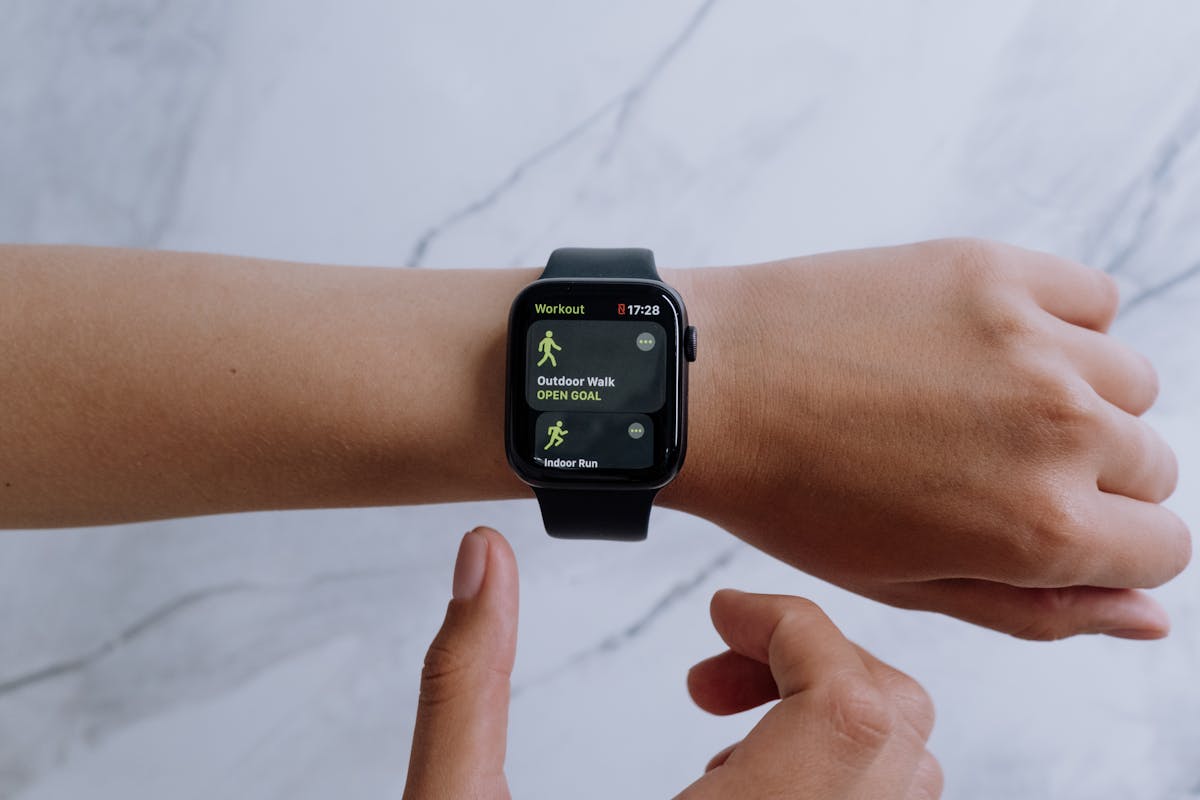
One of the most tedious parts of following a training plan is the manual data entry. You finish a run, check your watch, then open your training app to log the distance, time, pace, and how you felt. Over weeks and months, this friction adds up. Some runners stop logging entirely. Others log inconsistently, which means their plan can't adapt properly.
Snel's Strava integration eliminates this friction. Connect your Strava account once, and every run you record automatically flows into your Snel training log. But the integration goes far beyond simple data import. Here's exactly what happens when Strava and Snel work together.
Automatic Workout Matching
When a new Strava activity syncs to Snel, the system doesn't just dump it into a list. It actively tries to match it to a planned workout in your training calendar. The matching algorithm looks at two primary factors: date and distance.
If you had a 10 km easy run scheduled for Tuesday and you upload a Strava activity from Tuesday that's 9.7 km, Snel recognizes the match. The activity is within 5% of the planned distance and falls on the same day, so it's automatically linked to that workout. Your planned workout is marked as complete, and the actual pace, duration, and distance data from your watch replaces the targets.
This auto-linking means you don't have to manually confirm each workout. After your run, the data appears in your plan within minutes. All you need to add is your subjective feedback: RPE, how your body felt, any notes. The objective data is already there.
Smarter Plan Adaptation
The real power of the Strava connection isn't convenience. It's data quality. When Snel has access to your actual GPS pace data instead of self-reported estimates, the adaptation engine makes significantly better decisions.
Consider a scenario: your plan prescribes a tempo run at 5:00/km. Without Strava, you might log that you completed it and it felt "moderate." With Strava, Snel sees that you actually ran the tempo segments at 4:48/km with an average heart rate of 168 bpm. That's concrete evidence that your current threshold pace might be faster than the plan assumes.
Over time, this data accumulates. If you're consistently running your easy runs 15% faster than prescribed, the system flags it and suggests zone recalibration. If your interval paces are drifting slower over several weeks, it may indicate accumulated fatigue and trigger a recommendation to pull your recovery week forward. These are insights that only emerge when you have accurate, consistent pace data, exactly what a GPS watch connected through Strava provides.
VO2max Recalibration from Race Results
Automatic Zone Updates
When you race a B-race (a tune-up race within your training plan), Snel can detect it from your Strava data: the distance matches a standard race distance, and your pace is significantly faster than your normal training. If the result suggests a higher VO2max than your current calibration, Snel offers to recalibrate your zones upward. This means your training paces evolve with your fitness, automatically, based on real race performance rather than estimates.
Privacy: Read-Only Access
Snel requests read-only access to your Strava account. This means the app can see your activities and basic profile information, but it cannot post to your Strava feed, modify your activities, access your private notes, or interact with your followers. Snel never writes to your Strava account.
Your activity data is used exclusively to improve your training plan within Snel. It is not shared with third parties, used for advertising, or sold. You can revoke Strava access at any time from your Snel settings or directly from your Strava connected apps page. When you disconnect, Snel stops receiving new activities immediately.
Garmin Users: Direct Sync Available
If you use a Garmin watch, you have two options. You can connect through Strava (Garmin syncs to Strava, Strava syncs to Snel), or you can connect your Garmin account directly. The direct Garmin connection provides the same auto-matching and data import features.
If you have both Strava and Garmin connected, Snel handles deduplication automatically. Each activity is identified by its start time and duration. If the same run appears from both sources, only one copy is kept, and the Garmin data is preferred since it comes directly from the watch without Strava's occasional GPS smoothing.
Setting Up the Connection
Step-by-Step Setup
- Open Snel and navigate to your Profile tab.
- Tap "Connected Apps" in the settings section.
- Select "Connect Strava" and you'll be redirected to Strava's authorization page.
- Authorize read-only access. Review the permissions and tap "Authorize." You'll be redirected back to Snel.
- Historical import. Snel will offer to import your last 30 days of activities. This backfill helps calibrate your current fitness and match any recent workouts to your plan.
- Done. From now on, every new Strava activity will sync to Snel automatically within a few minutes of upload.
What If I Don't Use Strava?
Strava integration is entirely optional. Snel works perfectly well with manual workout logging. You can mark workouts as complete, enter your distance and time, and provide RPE and body-check feedback, all without connecting any external service.
The Strava connection simply makes the process smoother and gives the adaptation engine more data to work with. If you prefer to keep your training data in one place without third-party connections, that's completely fine. The core training engine is the same either way.
The Bottom Line
Connecting Strava to Snel takes 30 seconds and removes the most tedious part of structured training: manual data entry. Your runs flow in automatically, match to your planned workouts, feed the adaptation engine with real pace data, and keep your zones accurate as your fitness evolves. It's a small connection that makes the entire training experience significantly better.